
|
Windows Technical Help |
|
|
Windows Technical Help |
For Windows95/98 Customers:
1. Double-click on "My Computer"
2. Double-click in "Dialup Networking"
For Windows ME Customer:
1. Click in "Start" and go to "Settings", then "Control Panel"
2. Double-click on "Dialup Networking"
Everyone continue:
3. Single-click on your WCNet connection icon.
4. Go up to the "Connection" menu and click on "Settings"
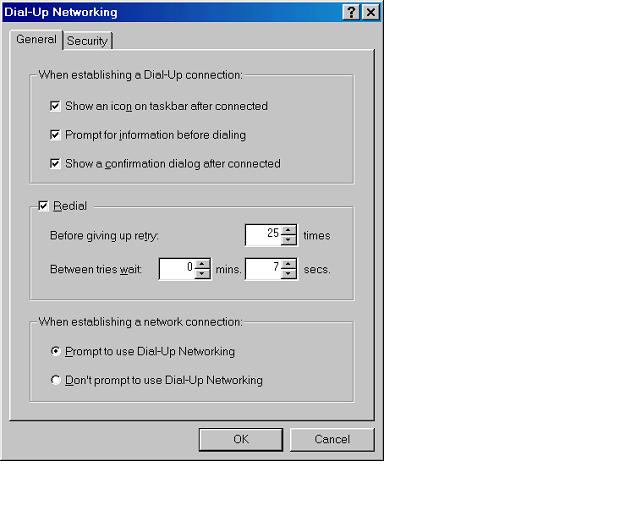
5. About 1/2 way down in Setting window, you will see "Redial" and a
blank box.
Please report problems with these pages to the Helpdesk pagemaster.
 E-mail US