
|
Windows Technical Help |
|
|
Windows Technical Help |
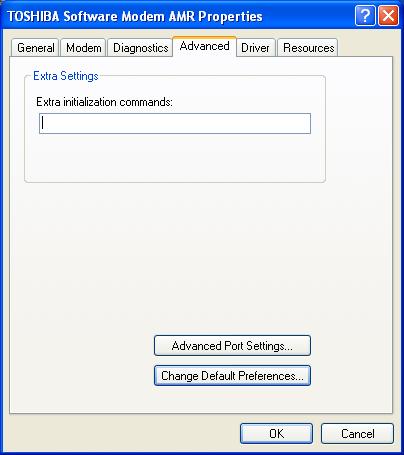
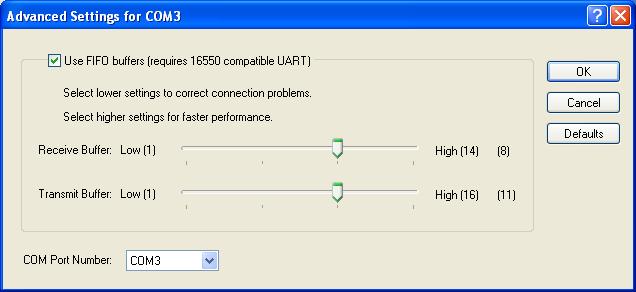
Windows XP Buffer Fix
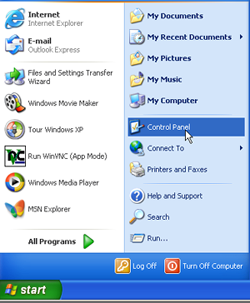

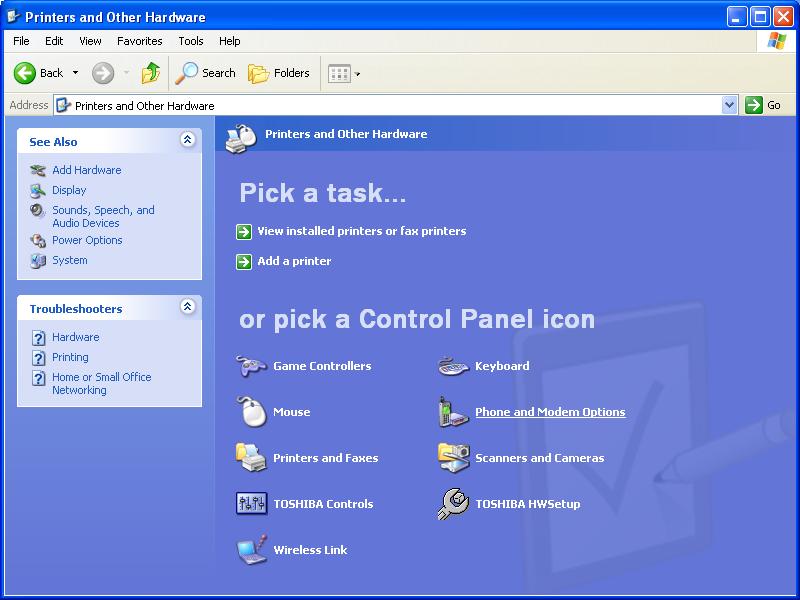
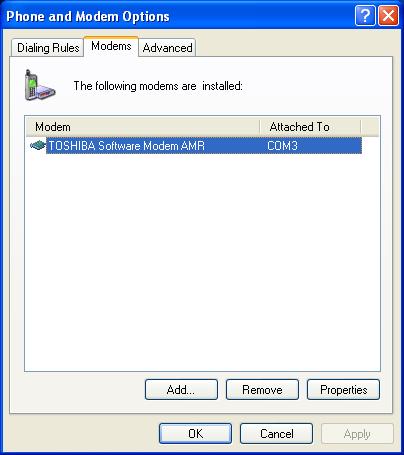
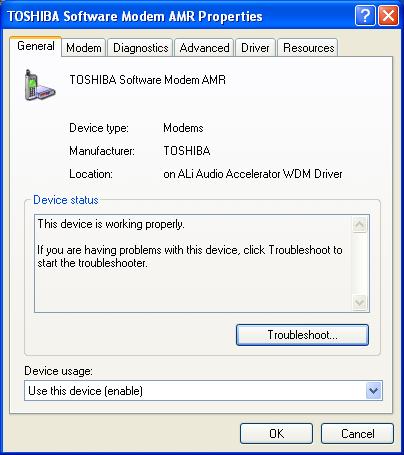

Windows 95/98 Buffer Fix
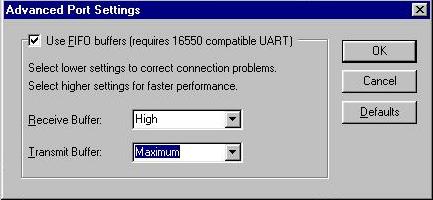
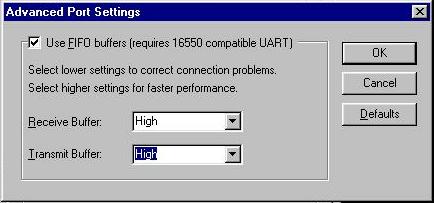
Try resetting the FIFO buffers in your dial-up networking connection icon. Open my computer, open dial-up networking, click on your connection icon with the right mouse button. Click on properties with the left mouse button. Click on the configuration button. Click on the connections tab. Click on the port settings button. Make sure both slider bars are set to the third notch.Click okay. Click okay again. That's it.From this:
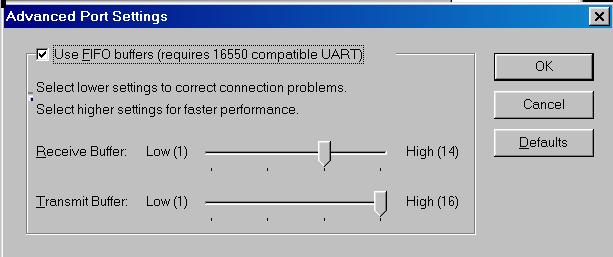
To this:
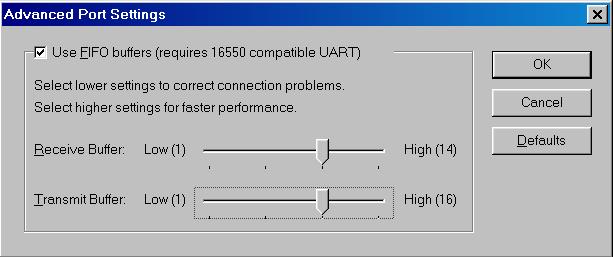
In Windows Me, it looks slightly different.
From this:
To this:
Here is another trick you can try to prevent disconnects:
- Go to Modems in Control Panel (Start - Settings - Control Panel)
- From Modems select Properties, select the Connection Tab, then click the Advanced button
- In the Extra settings dialogue box, enter S10=50; this will force the modem to stay connected without a carrier for up to 5 seconds.
Back to the Help Desk Pages
Please report problems with these pages to the Helpdesk pagemaster.